
MarketingArtificial Intelligence
You Bought the Shovel. Now Dig: How to Actually Use the Tools You Pay For
Some links below are affiliate links: if you buy through them we may earn a commission at no extra cost to you. It funds the testing budget and never changes a verdict — affiliate policy.
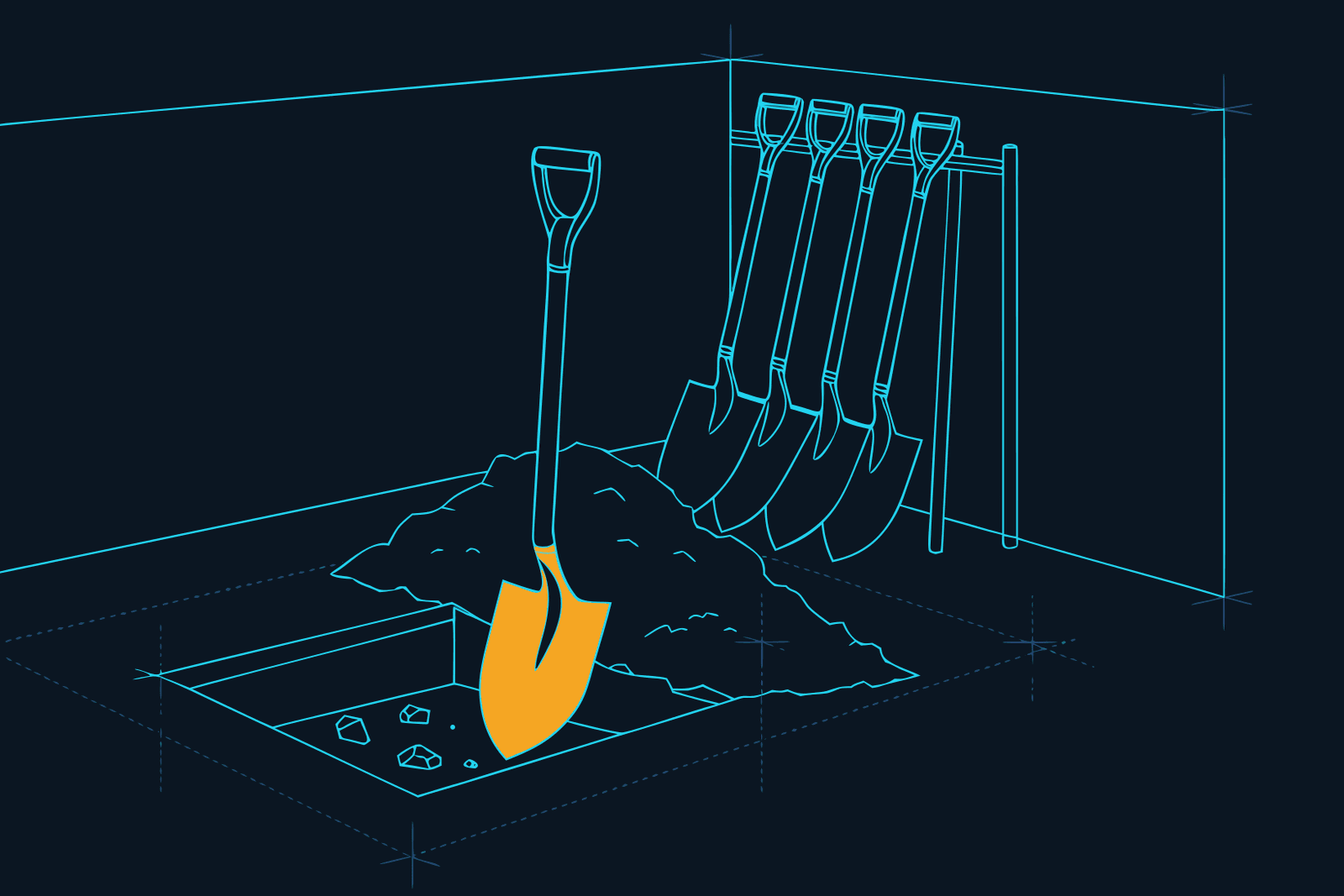
Somewhere in your billing history there is a shed. In it: the video editor you were going to use for clips, the scheduler you set up one Sunday, the automation tool with two half-built workflows, the AI writing assistant that lives in a browser tab you never click. All paid for. All sharp. All standing against the wall.
This is the least talked-about problem in solo marketing, and it comes in two parts. The first is choosing which tools to use, which is what most of this site is about. The second is harder and almost nobody writes about it: actually using the tools you chose. Buying the tool is step one. It is like buying a shovel and never digging.
We ran into this ourselves, which is why we published a tool audit that halved our own invoice. But cutting the stack only stops the bleeding. This post is about the other half: how to get the shovels you keep into the ground.
Nobody digs without a hole
Here is the whole problem in one sentence. People buy tools for the identity they promise and use them only when a dated task forces it.
Think about what actually happened when you bought the clip tool. You had watched someone's Reels, you felt behind, and the purchase was a small vote for the person you wanted to be: the marketer who posts short video. That is a fine reason to buy. It is a terrible reason to open the app on a Tuesday, because "being that person" is not a task. It has no input, no output, and no deadline.
Compare that with the tools you use without thinking. Your email client. Your calendar. The invoicing tool. None of them are more pleasant than the clip tool. They get used because something arrives that has to be dealt with by Friday. The hole exists, so the shovel comes out of the shed.
Usage is not a property of the tool. It is a property of the task attached to it. No hole, no digging.
Four reasons the shovel stays in the shed
There is no trigger. A subscription of twenty euro a month costs less than lunch and hurts about as much. Nothing about the charge creates urgency, and nothing on your calendar says "open Descript now". The tool waits for motivation, and motivation is the least reliable scheduling system there is.
The first session is a cliff. You open the app for the first time and meet a blank canvas, a product tour, and fifteen features you did not buy it for. This is the worst possible moment, because you have no input to work with and no idea what "done" looks like. Most people give it twenty minutes, achieve nothing shippable, and quietly never return. The vendor calls this a retention problem. You call it Tuesday.
You bought a category, not a workflow. "AI video editor" is a category. "Turn Monday's recording into three clips with captions" is a workflow. Only the second one can be repeated, and only things that get repeated get learned. If you cannot describe in one sentence what the tool does for you every week, you do not own a workflow yet. You own a category.
Too many shovels. Every new tool resets the learning curve, and every learning curve competes for the same free hour. The person with eight subscriptions uses fewer tools than the person with three, because the eight-tool person spends the hour choosing. This is the repurposing math applied to your own attention: the output of a stack is limited by the hours you can spend in it, not by the number of seats you pay for.
The task-first method
The fix is not better onboarding, more tutorials, or a bigger prompt library. The fix is to reverse the order. Task first, tool second. Four steps.
1. Name the hole
Write down one task that meets three conditions: it is specific, it has a date, and when it is finished something exists in public. "Get better at video" fails all three. "Publish one 45-second clip from last week's call by Thursday" passes all three.
If you cannot name a hole for a tool, you have your answer about that tool. It goes on the audit list, not the to-do list.
2. Pick one shovel
Assign exactly one tool to the task. Not the two you are comparing, not the one you might switch to later. One. Deciding which is a separate job, and this site exists to do that job for you: the Plan Builder will pick one tool per step for your size and budget, and the Radar shows what each tool is for. Once that decision is made, close the comparison tabs. The comparison is finished the moment the hole has a shovel.
3. Run the fifteen-minute recipe
This is the step that changes everything, so here is the exact shape.
Do not watch the tour. Do not read the docs. Bring one real input from your own business: last week's recording, yesterday's draft, the three posts you already wrote. Decide on one output you could publish today. Then work backwards from that output and touch only the features between you and it.
Stop the session when the output ships. Not when you understand the tool, not when you have explored the settings. When the thing is out. A first session that ends with something published is the strongest predictor we know of a second session happening at all.
Three examples from our own stack, each one a real fifteen minutes:
- Clip tool. Input: one 20-minute recording. Output: one clip posted, captions on. Nothing else. Here is what the good clip looks like so you know when to stop.
- Scheduler with an AI assistant. Input: one draft post. Output: that post scheduled for your best slot, confirmed in the planner. The whole recipe is here, fifteen minutes, no code.
- AI writing assistant. Input: one clumsy paragraph from your own draft. Output: a spoken-language rewrite you use in a video script. It is prompt number one on the list we reuse.
Notice what all three have in common. Your own input, one output, a hard stop. That is a recipe. A feature list is not.
4. Put it on a ritual
Motivation gets you through session one. A calendar gets you through session forty. Pin the task to a fixed hour on a fixed day, with the tool named in the calendar entry: "Tuesday 09:00, clips from Monday's recording, Opus Clip". Cadence beats enthusiasm every time, which is why cohorts and challenges finish and self-paced courses do not.
We run a whole week this way: each day owns one job, each job owns one tool. Friday closes with a fifteen-minute dashboard that tells you which of the week's holes actually got dug. After four weeks the calendar entry is the trigger, the recipe is muscle memory, and the tool is no longer something you are learning. It is something you use.
Shrink before you add
A quiet rule sits underneath all of this: you cannot add a tool to a stack you are not using. The new one just joins the wall of shovels.
So before any purchase, do the thirty-day test. Open your billing history, and for every tool ask when you last opened it. Anything past thirty days without a named hole gets downgraded or cancelled, following the audit steps. The relief of a smaller stack is real, and it is the relief that makes you use what is left.
Then, and only then, add the next shovel. One at a time, each one with its hole already dug on the calendar before the trial starts.
The question to ask before you buy
All of this compresses into one question that should sit between you and every checkout page:
What is the hole, and when is it due?
If you can answer with a task, a date, and something that will exist in public afterwards, buy the tool and book the fifteen minutes today. If you cannot, the tool is not for you yet, no matter how good the review was. Reviews, ours included, sell shovels. Digging is a separate skill, and it is the one that actually moves a business.
We are changing how we work because of this. Every tool we cover will get a fifteen-minute recipe next to its review: real input, one output, a hard stop. The course we are building is organised the same way, one hole per week with the shovel already chosen, because a curriculum that teaches tools produces people who know tools. A curriculum built on tasks produces people who ship.
Go find your shed. Pick one shovel. Name the hole. Fifteen minutes, today.
Questions we actually get
Why do I stop using tools I paid for?→
Because you bought a category, not a workflow. A subscription without a dated task attached has no trigger, so nothing on a Tuesday morning tells you to open it. Add the friction of a blank canvas on the first session and most people quit in twenty minutes and never return. The price is too small to hurt, so the subscription quietly runs on.
How do I learn a new marketing tool fast?→
Skip the product tour and the feature docs. Take one real input from your own business, decide on one output you could publish today, and stop the session the moment that output ships. Fifteen minutes with a real result teaches more than an hour of watching, and a shipped result is what brings you back for session two.
How many marketing tools should a solo marketer use?→
Fewer than you have. A practical rule is one tool per recurring job, and no tool without a recurring job. Cancel or downgrade anything you have not opened in thirty days, then only add a tool when a task you already do every week is clearly slower without it.
Is it better to learn one tool deeply or several tools shallowly?→
One deeply, then the next. Every new tool resets the learning curve and competes for the same weekly hour. Solo marketers with three tools they run on a schedule ship more than those with ten tools they have half-learned.
What is the task-first method?→
Name the hole (a specific, dated, shippable task), pick one shovel (the single tool for that task), run a fifteen-minute recipe that ends with the task shipped, and put it on a weekly ritual so it repeats without motivation. Then review the stack quarterly and cut what has no hole.
FILED ON THE AI VIDEO & REPURPOSING SHELF — MORE FIELD-TESTED TOOLS AND GUIDES THERE →
#solo marketing#productivity#tools#AI#Marketing Stack
Never miss a verdict
One tool tested, one workflow, one future signal, one deal — every week.
One email with the goods, then the weekly letter. Unsubscribe anytime.
Keep reading

Artificial Intelligence
How to Repurpose One Webinar Into a Month of Content
One webinar holds a month of content if you treat it as raw material instead of a finished product. Get the transcript, pick five to eight moments, then turn them into clips, a blog post, an email series, carousels and quote cards, and spread it all over four weeks. Tool prices checked September 2026.
OCT 2026 · 8 MINREAD →

Artificial Intelligence
How to Build a Lead Magnet With AI in One Afternoon
One specific problem, one format, your own notes, an AI assistant and a free design tool: the afternoon recipe for a lead magnet that earns an email, from the first prompt to the tested delivery email.
OCT 2026 · 8 MINREAD →