 FUTURE PROOF MARKETER
Artificial IntelligenceMarketing
AI Audit Trail: The Receipt Your Clients Will Ask For, and Why a Chat History Is Not One
Some links below are affiliate links: if you buy through them we may earn a commission at no extra cost to you. It funds the testing budget and never changes a verdict — affiliate policy.
An AI audit trail is a record of every request your AI tools sent to a model, kept somewhere the tools cannot edit, in a form that someone other than you can check later. A chat history is not one. A screenshot is not one. The usage graph in your provider's dashboard is not one either. The difference is not how much is stored but whether the record can be trimmed afterwards without anyone noticing.
That difference did not use to matter for a marketing agency or a freelancer. It is starting to. This post is about the question clients have begun to ask, what a good answer looks like, and how to give one without handing over the prompts.
The question that is coming
"What did the AI do with our material?"
You will hear it in one of three forms. The mildest is a line in a new contract or a procurement questionnaire: describe your use of AI on our data, and your controls over it. The middle one is a specific worry: a detail from a brief turned up somewhere it should not have, and the client wants to know whether your assistant read it and where it went. The sharpest is a dispute: you say the draft was checked before it went out, they say the AI sent the wrong version, and it is your word against a chat window.
In all three, "trust us" is the answer you are trying to avoid giving. So is "here is a screenshot", because a screenshot proves that a screen looked like that at some point, and nothing else. What you want is a receipt: a list of every model call on that client's work, when, by whom, with what result, that you could not have altered after the fact even if you wanted to.
Three things that look like an audit trail and are not
The chat history. It is the first thing everyone reaches for, and it fails for the plainest reason: the tool writes it. An assistant that can be talked into doing things by a web page can also be talked into summarising its own session generously. You can delete turns. So can anyone with your login. Nothing in the history says whether it is complete.
A log file, or a logging table, that you run yourself. Better, because it sits outside the tool. But whoever holds the keys to the database can edit it, and an auditor will say so in the first meeting. Structured logging tells you what happened; it does not let anyone else confirm that it did.
The provider's usage dashboard. Anthropic, OpenAI and Google each show you what you spent. They show counts and totals, per key, for that provider only, and they say nothing about what was in the request, which client it concerned, or whether anything was flagged. If you use three providers and four tools, you have seven partial views and no whole.
None of these is useless. They are the raw material. What they lack is the property that turns a log into evidence.
Tamper-proof AI logs: what tamper-evident actually means
Start with the honest word. Nothing makes a log tamper-proof. Records can always be edited or deleted by someone with enough access. What a well-built audit trail does is make any edit or deletion visible, which is the property auditors actually ask for. The term is tamper-evident, and it comes from three ideas that fit in a paragraph each.
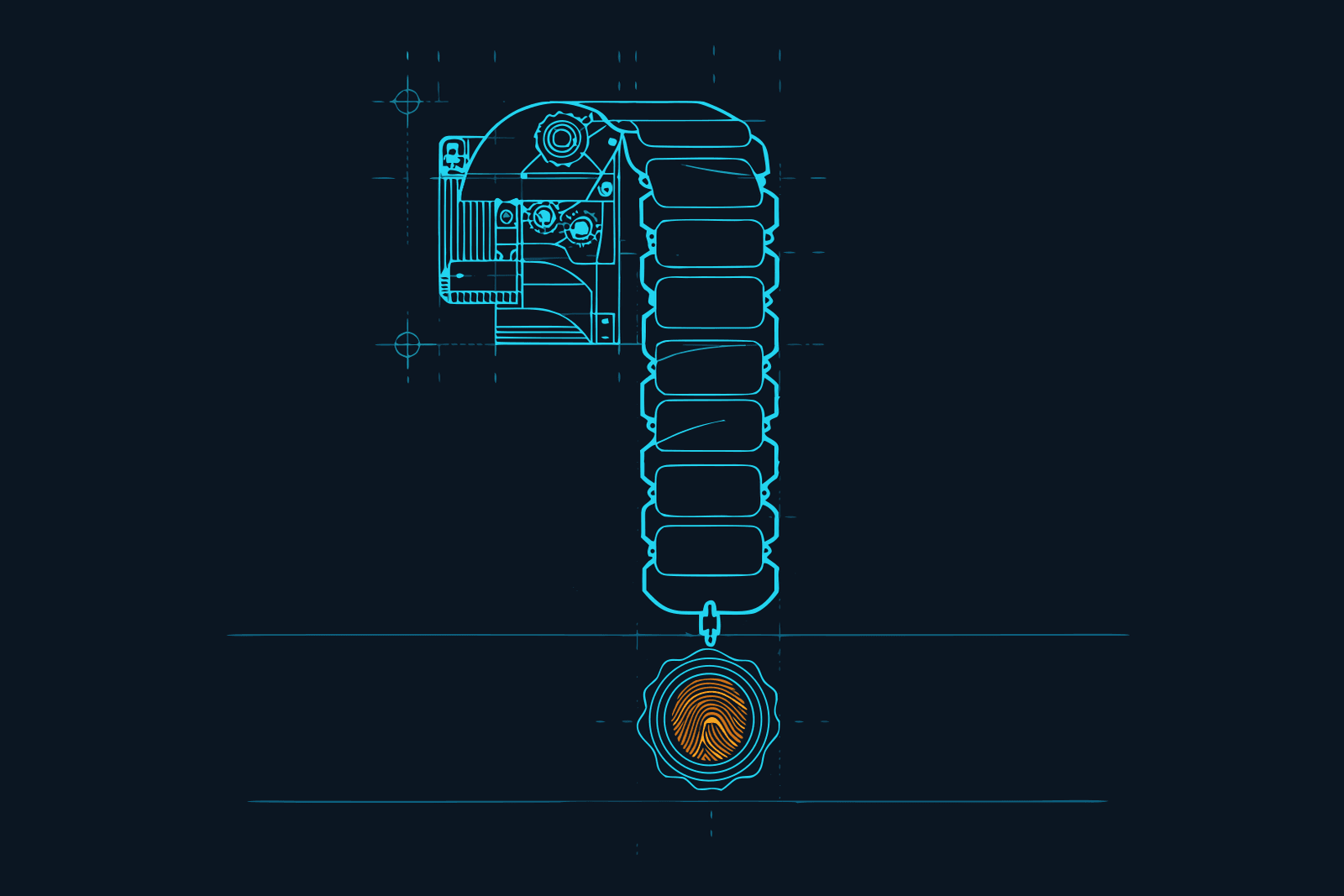
A fingerprint per record. Each entry is run through a hash function that produces a short string derived from its content. Change one character in the record and the fingerprint changes completely. Storing the fingerprint next to the record means anyone can later recompute it and check that the record is what it was.
A chain. Each fingerprint is computed over the record and the previous fingerprint, or records are grouped into checkpoints that commit to everything they contain. Now the entries are linked. Edit one in the middle and every fingerprint after it stops matching. Delete one and the gap shows, because the chain expects a link that is not there. Deletion shows as deletion.
An anchor outside the vendor. A chain kept entirely inside one company's database could, in theory, be rebuilt from scratch by that company. So the checkpoint fingerprint is published somewhere the vendor does not control and cannot rewrite, typically a public ledger. A verifier compares the chain against the published anchor. If they match, the records have not changed since the anchor was written, and neither you nor the vendor could have altered them without it showing.
That is all "verifiable AI logs" means. Not magic, and not a guarantee that nothing bad happened. A guarantee that the record of what happened is the record.
What the proof should not contain
The instinct is that a stronger audit trail stores more. For client work the opposite is true.
If the permanent, anchored, cannot-be-deleted part of the trail contains the client's brief, their customer list and the draft you asked the model to rewrite, you have just made their material permanent and taken it out of your own control. That is the wrong shape. The right shape separates two things:
- The proof: hashes, timestamps, metadata, checkpoint and anchor references. Kept permanently. Contains no readable content.
- The content: the prompt and the response as text. Kept separately, under a retention window, deletable on request.
With that split, you can honour a client's request to erase their material and still prove, a year later, that on a given date a request went to a given model under a given key and was allowed, flagged or blocked. The proof survives the erasure. When you evaluate any tool for this job, look for that separation first.
LLM audit log: what one entry should contain
If you are assessing a tool, or building your own log while you decide, here is the checklist. One entry per model call, with:
- When it happened, and the event type: a request that succeeded, failed, was blocked, or was served from a cache.
- A request ID you can quote in an e-mail.
- Model and provider, because "the AI" is not an answer.
- Outcome fields: status, latency, input and output token counts, estimated cost.
- Who: the person or the named key the request ran under.
- The security verdict, if any check ran: allowed, flagged, blocked or redacted, and the broad reason.
- The proof fields: a content hash, the checkpoint the entry was committed to, the anchor status, and an inclusion proof a verifier can recompute.
- Readable prompt and response, present while retained, blank once removed, without breaking anything above.
Control-plane events belong in the same trail: a key was created, a member was added, a policy was changed from flag to block, an export was made, a deletion was requested. Half the value of an audit trail on the day you need it is knowing who changed which setting the week before.
AI agent accountability: the "who" problem
A person typing into a chat is easy to attribute. An agent is not. A coding agent in an overnight job, a scheduled workflow that summarises inbound mail, a connector that fires when a form is submitted: these all make model calls, and if they make them under your personal key, the trail says you did everything.
Three habits fix most of it:
- One key per person, never shared. If a key is shown once and scoped to a single user, an entry under that key is that person's, full stop.
- A named key per unattended agent, with its own spend ceiling. "nightly-report-bot" in an audit row is an answer. A colleague's name at 03:14 is a question.
- A key per client or project where the tool allows it, so that filtering the trail to one client is one click, and an export for that client contains only that client.
That third habit is what turns an audit trail from a compliance artefact into something you can hand over.
If you do nothing else: the version without a gateway
Before the product section, the free version, because it is better than nothing and it is what most freelancers have today.
Keep your prompts as files in the project folder, under version control, so the history of what you asked is in git and dated. Turn on whatever request logging your provider dashboards offer and export it monthly. Keep a short project journal: date, task, tool, model, outcome. Put a line in your proposals saying which AI tools touch client material and that you keep a record.
This proves less than a real trail. It proves nothing about what the tool sent that you did not type, and everything in it can be edited. But it answers the mild version of the client's question, and it costs an hour to set up.
How Gate does it: the receipt as a side effect
We route our own tools through Constellation Gate AI, and the audit trail is the feature we did not sign up for and now would not give back. Gate is a gateway: your tools send requests to it instead of straight to the provider, it screens and forwards them, and, because everything passes through one place, it records everything as it goes. Gate's docs call it "a tamper-evident audit trail for gateway activity and important workspace changes", and the description above of what a trail should be is close to a description of it.
What it records. Model requests that succeeded, failed, were blocked or were served from cache; flagged or blocked responses; security decisions and the action taken; and the control-plane events: key, member, policy, plan, export, deletion and data-access changes. Each record can carry time, event type, request ID, model, provider, status, latency, token counts, estimated cost, and the key or member context.
How a record is verified. Events are grouped into checkpoints for your organisation, and each checkpoint is "fingerprinted to Constellation Digital Evidence", a public ledger run by the company behind Gate. A record's proof bundle has three parts: a content-derived hash, an inclusion proof showing the record was in a checkpoint, and the checkpoint fingerprint showing the checkpoint was submitted to the ledger. In Gate's words, "a verifier does not need to trust the dashboard alone. They can recompute the proof and compare it with the checkpoint and fingerprint data." In the dashboard each row shows a proof status of Not ready, Pending, Verified or Invalid, and Invalid is documented as "an integrity issue", which is the whole point.
Fingerprints, not content. This is the separation we asked for above, and Gate makes it explicit: "prompt and response text are not part of the permanent audit proof." Readable content lives in a separate store under a retention window; the audit trail keeps hashes, metadata and proof references. Remove the readable text, by retention or by an erasure request, and "the proof that a request or event occurred" remains. The vendor's security page puts it in one line: "Prompts and responses never leave Gate's infrastructure."
Getting it out. The Audit trail page searches across events, users and hashes, filters by time, member and event type, and exports the filtered set as CSV, including the proof data. Any row with a fingerprint has an Open Explorer button that opens the matching page in the Digital Evidence Explorer, where the hash, timestamps and proof can be checked and the proof JSON downloaded by someone who is not you.
What it costs. The audit trail is on the free plan, on Gate's pricing page and in its docs alike, and Gate says audit events and their proofs are kept permanently on every plan. Readable content is kept for a retention window rather than forever, which for client work is the behaviour you want. Free records, Pro blocks: the free plan records everything and runs a basic screen for the most direct injection attempts; the full detector, tool-result scanning, redaction of personal data and credentials from responses, and per-key spend limits are the Pro plan at $20 per user per month. Attribution to a person works on the free plan because every key is scoped to one user. Setup is one toggle in the Gate Connect app for Claude Code, Codex, Cursor and OpenCode, and a local proxy for Claude Desktop and ChatGPT; our review has the rest. Affiliate link: we earn a commission on Pro seats that start from our link, which funds the testing and has no say in the verdict.
What it cannot prove. Read this part twice, because it is where honest vendors and dishonest ones part ways, and Gate is on the honest side. Its docs say the audit trail "does not prove what a third-party model provider did internally", does not guarantee readable content is still available after the retention window, and does not "replace your own compliance review". A verified row proves that a request went to a model at a time, under a key, with a verdict, and that the row has not been altered since. It does not prove what Anthropic or OpenAI did with the request on their side. For that you read the provider's data-processing terms, which is a different job.
Handing a client the receipt, in five steps
- Give the client's work its own key, or at least its own member, before you start. Everything below is a filter on that.
- Put one sentence in the proposal. "AI model calls on your material are routed through a gateway that keeps a tamper-evident record; you may request an export at any time." Clients who were going to ask now do not have to.
- When asked, filter and export. Time range, that key or member, all event types. The CSV carries the request metadata, the security outcomes, the hashes, checkpoint IDs and proof data, and the readable prompt text only where it is still within retention.
- Give them the verification route, not just the file. Point them at the Explorer link for a checkpoint so their own person can confirm the fingerprint independently. This is the part a screenshot could never do.
- Say what it does not cover. The trail covers what went through the gateway. If a colleague pasted the brief into a browser chat that was not routed through it, that call is not in the record, and the honest thing is to say so and fix the routing.
The last point is the real lesson. An audit trail is only as complete as the path it sits on. The reason to route every tool through one gateway is not the dashboard. It is that "every model call on your material" becomes a sentence you can say and mean.
Sources: Constellation Gate AI documentation, Audit trail, Security and Plans pages, and the constellationgate.ai security and pricing pages, all checked 23 September 2026. Our own routing runs through Gate on the free plan; see the review for the full trade-offs, including the "third party in the path" point that applies to any gateway.
Questions we actually get
What is an AI audit trail?→
A record of every request your AI tools sent to a model and what came back, with who sent it, when, which model, what it cost and whether any security policy fired, kept in a store the tools themselves cannot alter. The word audit is doing the work: the point is that someone other than you can check it later and trust it, which a chat history or a log file you control does not give them.
What is an LLM audit log?→
The same thing at the level of a single model call. One entry per request with time, event type, request ID, model, provider, outcome, latency, token counts, estimated cost, the key or person behind it, the security verdict, and proof fields such as a content hash and a checkpoint reference. The readable prompt and response can sit alongside it for a retention window, but the proof should not depend on them.
What are verifiable AI logs?→
Logs where a third party can confirm that a record existed at a given time and has not changed since, without taking your word or the vendor's for it. That is done by giving each record a content-derived hash, committing batches of records to a checkpoint, and anchoring the checkpoint fingerprint to an external ledger. A verifier recomputes the proof and compares it with the published fingerprint.
What makes AI logs tamper proof?→
Strictly, nothing makes them tamper proof; the honest term is tamper-evident. A hash chain does not stop anyone from editing or deleting a record. It makes the edit or deletion visible, because the fingerprints no longer match and a missing record leaves a gap in the chain. Anchoring the chain to a public ledger adds that the vendor cannot rebuild the whole chain either.
What is AI agent accountability?→
Being able to say, for any action an AI agent took, which person or system key it was acting under, what it read, what it sent, and when. In practice it means every request is attributed to a named member or a named key, unattended agents get their own keys rather than borrowing a person's, and the record of all that lives outside the agent's reach.
Does an AI audit trail store my prompts and my client's data?→
It should not have to. In the design we describe, the permanent audit proof holds hashes, metadata and proof references only. Readable prompts and responses live in a separate store with a retention window, and when they are removed the proof that the request happened still verifies. Check any vendor's documentation for exactly this separation before you route client material through it.
FILED ON THE AI VIDEO & REPURPOSING SHELF — MORE FIELD-TESTED TOOLS AND GUIDES THERE →
#AI#AI security#Claude#ChatGPT#Marketing Stack#productivity
Never miss a verdict
One tool tested, one workflow, one future signal, one deal — every week.
One email with the goods, then the weekly letter. Unsubscribe anytime.
Keep reading
Artificial Intelligence
Codex CLI Proxy: How to Route Codex Through a Gateway, and What a Codex Turn Actually Costs
Codex CLI sends its requests wherever ~/.codex/config.toml tells it to. One table in that file puts a gateway in the path, and one line inside that table decides whether you keep your ChatGPT plan or start paying per token. Here is the setup, the rule that decides your bill, what a Codex turn costs on each path, seven ways to spend less, and the difference between Codex Security and a gateway.
SEP 2026 · 12 MINREAD →
Artificial Intelligence
MCP Security: A Checklist for People Who Connect AI Tools, Not Build Them
Every MCP server you connect can read something, do something, or both, on your behalf. Here are the MCP security risks in plain English (poisoned tool descriptions, rug pulls, fake packages, instructions in tool results, over-broad access) and a four-stage checklist for solo marketers and small teams: before you install, when you connect, while it runs, and every quarter.
SEP 2026 · 11 MINREAD →