 FUTURE PROOF MARKETER
Artificial IntelligenceMarketing
OpenCode Proxy: How to Route OpenCode Through a Gateway (One Toggle or Six Lines of JSON)
Some links below are affiliate links: if you buy through them we may earn a commission at no extra cost to you. It funds the testing budget and never changes a verdict — affiliate policy.
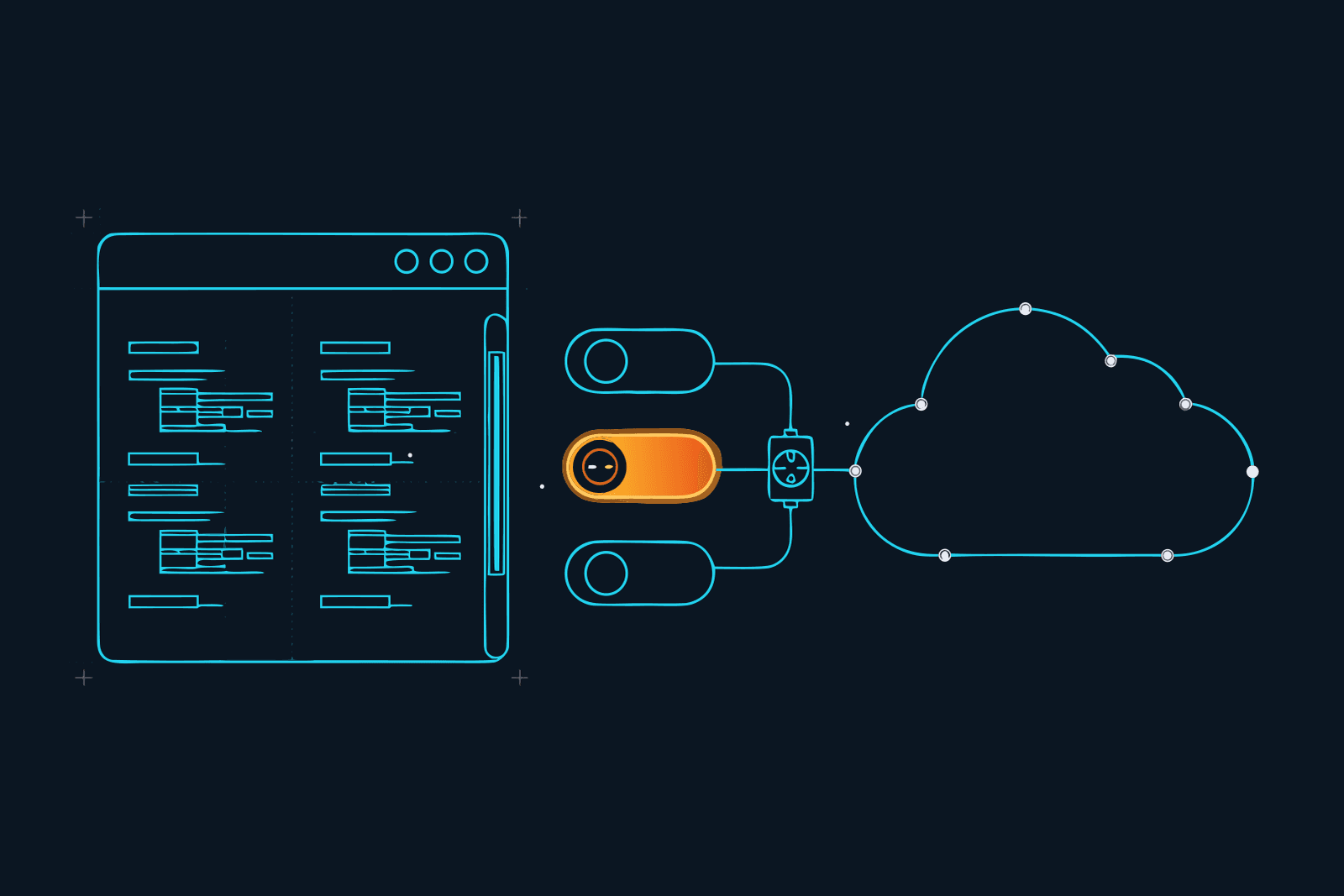
OpenCode was built to talk to any provider, and that makes it one of the easiest coding agents to put a gateway in front of. There is no hidden endpoint to trick: providers live in a JSON file, you can add one, and you can override the address of the ones that are built in. Routing it through a proxy is a config change, and the config is documented.
This post gives you the one-toggle route, the manual route, the line that decides who pays, how to check it took, and how to undo it. Everything was checked against OpenCode's docs and Gate's docs on 18 September 2026.
Why put a gateway in front of OpenCode
The case is the same as for Claude Code, and it gets stronger the more OpenCode does on its own. An agent that reads files, runs commands and reads tool output is an agent that can be handed instructions by any of them: indirect prompt injection, and the tool result is the carrier that is growing fastest. Right now, nothing sits between OpenCode and the model: nobody screens what goes out, nobody counts it until the bill, nobody keeps a record you could show anyone.
A gateway in the path gives you a meter, a screen and a record for one config change. A good one also sends less: OpenCode, like every coding agent, resends the whole conversation each turn, including files the model has already seen, and a gateway that strips the repeats before forwarding is money back every turn.
Where OpenCode keeps its providers
Two facts about OpenCode's config make everything below simple:
- It lives in JSON. Global config is
~/.config/opencode/opencode.json; a project can have its ownopencode.json;OPENCODE_CONFIGpoints at a custom file. They merge rather than replace, in that order (remote org defaults first, global, custom, project, managed last), so a project file can add a gateway without touching your global settings. - Providers are a map. Each entry has an
npmpackage that speaks the provider's protocol (@ai-sdk/openai-compatiblefor anything OpenAI-shaped),optionswithbaseURL,apiKeyand optionalheaders, and amodelsmap of what to show in the picker. Models are selected asprovider/model. Credentials fromopencode auth login(or/connectin the TUI) are kept separately in~/.local/share/opencode/auth.json.
That is the entire surface you need.
Route OpenCode through Gate, the one-toggle way
Constellation Gate AI is the gateway we use (compared with six others here). It sits "between your agent and the model", screens every request and response for prompt injection, removes repeated content so 20% or more fewer tokens reach the model, tracks cost per request, and writes a tamper-evident audit log (Gate's own figures, checked 18 September 2026). Free plan, no card.
Gate Connect, its menu-bar app, treats OpenCode as a config integration: instead of running a proxy, it writes the provider into your OpenCode config and takes it out again when you disconnect. Its docs put it in one line: "Gate Connect adds Gate as a provider. The keys from opencode auth login stay in place."
- Create the free account at Gate and copy an API key from the dashboard (starts with
sk-gw-). - Install Gate Connect (macOS, Windows, Linux). It lives in the menu bar.
- Paste the key, click Connect. The key goes to your OS keychain, not a file.
- Open Routing, make sure Route through Gate is on, switch opencode on.
- Quit and reopen OpenCode. A running OpenCode keeps its old config until restarted.
- Pick a Gate model in OpenCode's model picker and send one message. It should appear on Gate's Messages page within seconds, with model, cost and security result.
From a terminal, or on a machine with no desktop, the same thing is:
gate-connect login --base-url https://gateway.constellationgate.ai --api-key sk-gw-...
gate-connect connect opencode
gate-connect status opencode      # not installed · detected · connected · drifted
Drifted means the config changed outside Gate Connect; connect again fixes it. disconnect opencode restores the original config.
Affiliate disclosure, where it belongs: we earn a commission on Pro seats that start from our link. It pays for the testing, not the verdict.
Route OpenCode through Gate, the manual way
If you would rather see the setting, add Gate as a provider yourself. This is the "pay through Gate" version: one credential, Gate routes to the provider and bills your prepaid Gate balance at what it states is the provider's own price.
{
  "$schema": "https://opencode.ai/config.json",
  "provider": {
    "gate": {
      "npm": "@ai-sdk/openai-compatible",
      "name": "Gate",
      "options": {
        "baseURL": "https://gateway.constellationgate.ai/v1",
        "apiKey": "{env:GATE_API_KEY}"
      },
      "models": {
        "anthropic/claude-opus-4-8": { "name": "Claude Opus 4.8 via Gate" },
        "anthropic/claude-haiku-4-5": { "name": "Claude Haiku 4.5 via Gate" }
      }
    }
  },
  "model": "gate/anthropic/claude-opus-4-8",
  "small_model": "gate/anthropic/claude-haiku-4-5"
}
Four things to notice:
- The base URL ends in
/v1. The OpenAI-compatible package does not add it for you; Gate's own SDK guide makes the same point. - The key is an environment reference.
{env:GATE_API_KEY}keeps the secret out of the file, which matters the moment this lands in a project'sopencode.jsonand gets committed. ExportGATE_API_KEYin your shell profile. - Model IDs are Gate's catalog IDs, written
provider/model. Check the exact names on the dashboard's Models page orGET /v1/models; ours are placeholders. In the picker they appear asgate/anthropic/...because OpenCode prefixes your provider key. small_modelis the second saving. OpenCode uses it for lightweight jobs such as titles and summaries. Pointing it at a small model through the same gateway means the cheap tier is cheap and screened.
Put the block in ~/.config/opencode/opencode.json for every project, or in a project's opencode.json for one. Restart OpenCode.
The line that decides who pays
The block above bills through Gate. If you would rather keep paying OpenAI or Anthropic directly on your own API key, and have Gate only screen and record, override the built-in provider's address instead of adding a new one, and pass Gate's two headers. OpenCode's docs show the baseURL override on a built-in provider; Gate's docs give the headers:
{
  "$schema": "https://opencode.ai/config.json",
  "provider": {
    "anthropic": {
      "options": {
        "baseURL": "https://gateway.constellationgate.ai/v1",
        "headers": {
          "X-Gate-Api-Key": "{env:GATE_API_KEY}",
          "X-Gate-Upstream-Url": "https://api.anthropic.com"
        }
      }
    }
  }
}
Now your existing Anthropic API key (from opencode auth login) stays the credential, Gate forwards it unchanged to the upstream you named, and bills nothing to your Gate balance. Model names stay Anthropic's own, since the upstream is Anthropic, not Gate's catalog.
Two honest limits on this route:
- Do it for one provider at a time. The upstream URL is per block; an
openaiblock getshttps://api.openai.com, and so on. - Subscription logins are a question mark. OpenCode can sign in with a Claude Pro/Max account through
/connect. Gate documents the subscription-kept route for Claude Code, whose custom-header setting forwards the login untouched; it does not document the same for OpenCode, and OpenCode's docs are silent on whether an OAuth login survives abaseURLoverride. If a Max subscription is what you run OpenCode on, test it with one message before you rely on it, and treat Gate-as-provider (pay-as-you-go) as the documented path. We will report what we find in the 30 September field-test post.
Check that it took
- The model picker. After a restart, a Gate-routed model shows under the
gateprovider (one-toggle or manual). If it is missing, the config did not load: check the file path, the JSON, and that you restarted. - Gate's Messages page. Send one message, look for it. Model, cost, screening verdict. Nothing after a minute means the request went straight to the provider.
gate-connect status opencodeif you used the app: connected is what you want; drifted means something rewrote the config.
Then write down two numbers with the date: requests recorded and tokens saved. That is the baseline the rest of the evaluation is measured against.
What changes and what does not
Stays the same: your project, your AGENTS.md, your MCP servers, your existing logins in auth.json, and the answers, since Gate keeps the first copy of everything and removes only the repeats.
Changes:
- One more hop. Some latency; we are measuring it.
- Free records, Pro blocks. The free plan (20,000 recorded requests a month, basic compression, the audit trail, Gate Connect) shows you a flagged request; blocking it, redacting PII and credentials, spend caps and the full compression are Pro at $20 per user per month (checked September 2026). Run free until the first flag, then decide.
- Your prompts pass through a third party. Gate says it does not train on them and stores fingerprints, not content, in the audit ledger. If a client contract forbids another processor, read Gate's terms first; the review goes through this.
- A project config can carry the gateway with it. Useful for a team (everyone who clones the repo gets the provider; the team rollout guide covers the rest), risky if you ever put a raw key in it instead of
{env:...}.
Your first fifteen minutes
Following the rule we apply to every tool: real input, one output, hard stop.
- Minutes 0 to 4. Free account, copy the key, Gate Connect, switch opencode on, quit, reopen. Start here.
- Minute 4. Open the model picker, pick the Gate model, send one line. Watch it land on the Messages page.
- Minutes 5 to 13. The task you were going to do anyway. Real files, real edits.
- Minutes 13 to 15. Requests recorded, tokens saved, date. Sticky note. Stop.
A week later, the same two numbers say whether the free plan stays. The first flagged request, or the first e-mail address you see in a log that should not be there, is the day Pro becomes a simple decision. The calculator on our Gate page does the arithmetic from your monthly spend.
How to undo it
Gate Connect: switch opencode off in Routing, or gate-connect disconnect opencode; restart OpenCode. Manual: delete the gate provider block or the baseURL override, restart. auth.json was never touched, so there is nothing to sign back into.
That is all it is. OpenCode already lets you choose where its requests go; a gateway is one more entry in that list, and the only entry whose job is to watch the others.
We are running our own sessions through Gate, OpenCode included. Token numbers, latency and the subscription question go out in the newsletter and on the Gate page on 30 September 2026.
Questions we actually get
How do I set a proxy for OpenCode?→
Two ways. Gate Connect: install the menu-bar app, paste a Gate key, turn OpenCode on under Routing, quit and reopen OpenCode. Manual: add a provider block to ~/.config/opencode/opencode.json (or opencode.json in the project) with the gateway's baseURL and key, then select a model from that provider. Config files merge, so a project file can add the gateway without touching your global one.
Does routing OpenCode through a gateway change my existing provider logins?→
Not with Gate Connect: its docs say it adds Gate as a provider and the keys from opencode auth login stay in place. Whether you keep using your existing provider account depends on which route you pick. A separate Gate provider bills through Gate's pay-as-you-go balance; overriding baseURL on your existing provider and adding Gate's headers keeps billing with your own provider key.
What is the opencode provider config for an OpenAI-compatible endpoint?→
A provider entry with npm set to @ai-sdk/openai-compatible, options.baseURL pointing at the endpoint (ending in /v1), options.apiKey, optional options.headers, and a models map naming each model ID you want in the picker. Environment variables are referenced as {env:NAME}. OpenCode publishes a schema at https://opencode.ai/config.json so your editor can validate the block.
Which model names do I use through Gate?→
Gate's catalog IDs are written provider/model, for example anthropic/claude-opus-4-8. In OpenCode you then select gate/anthropic/claude-opus-4-8, because OpenCode prefixes the provider key you chose. The dashboard's Models page and GET /v1/models list what is available; check the exact IDs there rather than copying ours.
Does a gateway save tokens with OpenCode?→
Only if the gateway changes what it forwards. Gate removes duplicate content and repeated file reads before the request reaches the model, which it says cuts tokens 20% or more on agent workloads (vendor-published, September 2026). A plain proxy or a corporate network proxy just changes the route and saves nothing. Set small_model to a cheaper model for OpenCode's lightweight tasks and you save a second time.
How do I undo it?→
Gate Connect: turn OpenCode off in Routing, or run gate-connect disconnect opencode, which restores the original config; restart OpenCode. Manual: delete the provider block or the baseURL override, restart. Nothing about your logins was changed, so there is nothing to sign back into.
FILED ON THE AI VIDEO & REPURPOSING SHELF — MORE FIELD-TESTED TOOLS AND GUIDES THERE →
#AI#AI security#Marketing Stack#productivity#Claude
Never miss a verdict
One tool tested, one workflow, one future signal, one deal — every week.
One email with the goods, then the weekly letter. Unsubscribe anytime.
Keep reading
Artificial Intelligence
Codex CLI Proxy: How to Route Codex Through a Gateway, and What a Codex Turn Actually Costs
Codex CLI sends its requests wherever ~/.codex/config.toml tells it to. One table in that file puts a gateway in the path, and one line inside that table decides whether you keep your ChatGPT plan or start paying per token. Here is the setup, the rule that decides your bill, what a Codex turn costs on each path, seven ways to spend less, and the difference between Codex Security and a gateway.
SEP 2026 · 12 MINREAD →
Artificial Intelligence
AI Audit Trail: The Receipt Your Clients Will Ask For, and Why a Chat History Is Not One
Clients are starting to ask what the AI did with their material. A screenshot is not an answer, and neither is a chat history the tool itself can rewrite. This is what an AI audit trail is, what makes a log verifiable rather than just stored, what one entry should contain, and how a freelancer or small agency hands a client the receipt without handing over the prompts.
SEP 2026 · 12 MINREAD →