 FUTURE PROOF MARKETER
Artificial IntelligenceMarketing
How to Roll Gate AI Out to a Team of Ten in One Afternoon
Some links below are affiliate links: if you buy through them we may earn a commission at no extra cost to you. It funds the testing budget and never changes a verdict — affiliate policy.
You did not roll AI out to your team. Your team rolled it out to themselves. One person has a Claude Max plan on the company card, two have ChatGPT Plus on their own, the developer has an API key in a .env file, and the agency you hired last spring left an automation running that nobody has looked at since. It all works. Nobody can tell you what it costs in total, what customer data has been through it, or what any of it did last Tuesday.
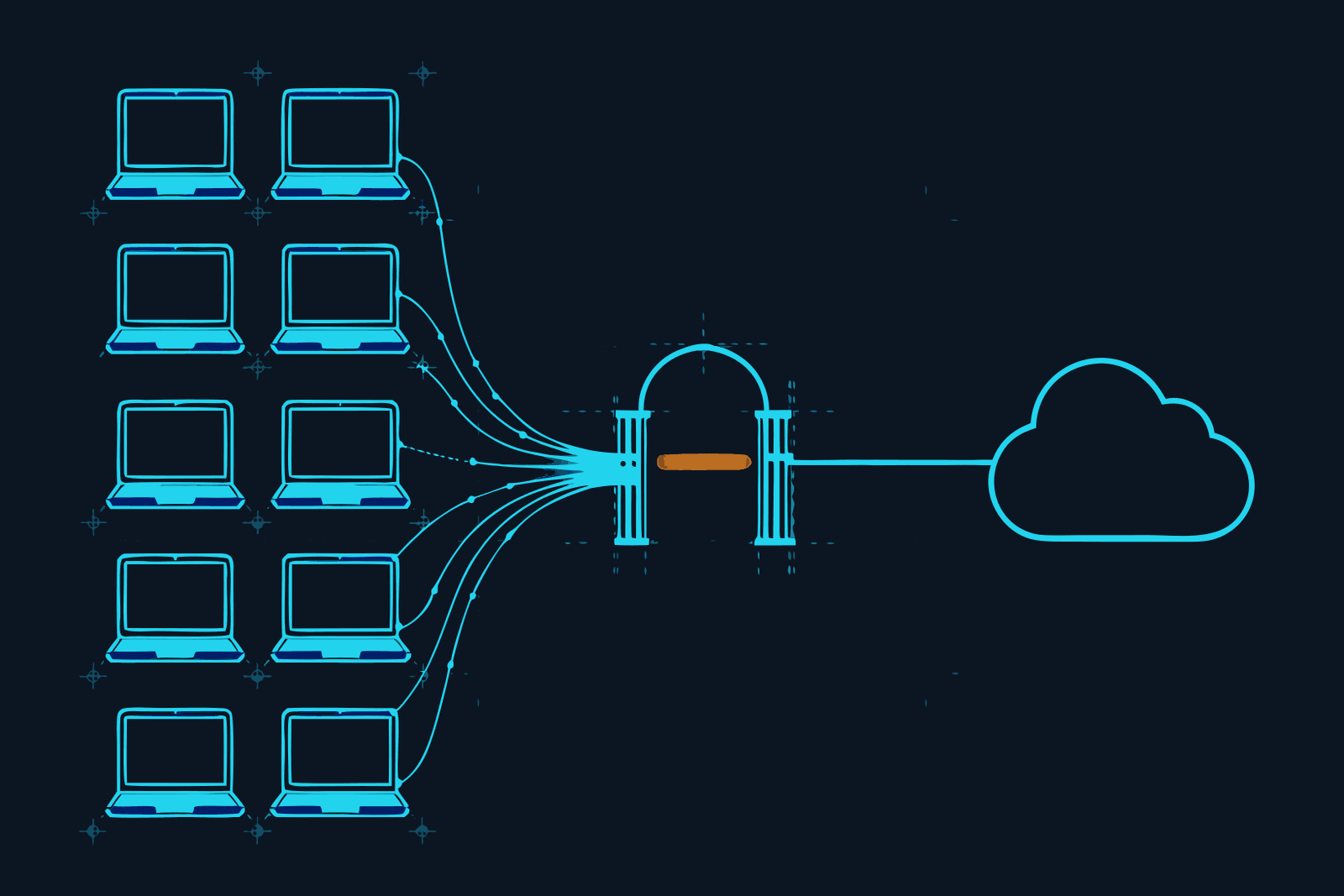
This is the afternoon that fixes that. It puts one gateway, Constellation Gate AI, in front of the tools your team already uses, without taking any of them away. The plan is written for a team of about ten and for the person who owns the problem: the founder, the ops lead or the dev lead. It was checked against Gate's documentation on 18 September 2026.
Gate calls itself "the accountability layer for AI". For a team, that means four things from one change of address per tool: every request screened for prompt injection, personal data and credentials; every request attributed to a person and costed; ceilings on spend that actually stop traffic; and a tamper-evident record of all of it. Our review has the detail. This post is only about getting ten people onto it.
Three decisions before the afternoon
Make these on your own, the day before. They are the only parts that need authority rather than time.
1. Who pays for tokens. Gate separates the plan (features) from token billing, and the second choice is the same on every plan:
- Keep what you have. Existing subscriptions and provider keys keep billing exactly as they do now; Gate sits in front. Nothing changes on anyone's card. This is the right default for a first rollout.
- Pay through Gate. One prepaid balance, one bill across providers, no provider accounts to manage. Tidier, and a bigger change. Consider it in month two, once you can see the traffic.
2. Who the admins are. Gate has three roles. Members use the gateway and manage their own keys and connections. Admins also invite and remove people, manage security policies and billing, and see organisation-wide usage and the audit trail. Owners can additionally change roles, change the plan and delete the organisation. Pick one owner and one admin who is not the owner, so that holidays do not lock you out. Everyone else is a member.
3. Flag first, block later. For prompt injection, each policy can flag or block. Start the whole team on flag. A false positive that blocks a colleague's work on day one costs you the rollout; a week of flags costs you nothing and shows you what your traffic really looks like. You switch to block at the end of week one, with evidence.
One thing to check rather than decide: if any client contract restricts which processors may handle their material, read Gate's terms before routing that client's work, or keep that work out of scope for now.
What admins can see, and what they cannot
Tell the team this before you send a single invitation, because it is the first question they will have and the answer is better than they expect.
Owners and admins see: the organisation's spend and token charts, activity totals, a top-users leaderboard, the audit trail, and who changed which setting.
Owners and admins do not see: anyone else's prompts, replies, conversations or flagged security events. Gate's docs put it plainly: even owners and admins cannot read another member's prompts, and organisation-wide views show aggregate usage and cost, never the contents of other people's requests.
This is what makes the rollout acceptable to the people being rolled out to. It is a meter and a seatbelt, not surveillance. It also has a cost you should know about: when something is flagged on a colleague's account, you will see that an event happened, not what it contained. They have to open it themselves. Build that into the routine below rather than discovering it during an incident.
The afternoon
13:00 · Create the organisation and set the policies (30 min)
Sign up, name the workspace, and open Policies. There are three inline scans: prompt-injection detection, PII/PHI redaction, and credential and secret leak detection. Each can be turned on or off, pointed at prompts, responses or both, and given an action.
- Prompt injection: on, flag (for now).
- Credentials and secrets: on. This is the one nobody argues with.
- PII/PHI redaction: on for responses to begin with. Redacting prompts as well is stricter and occasionally gets in the way of legitimate work with customer data; decide that after you have seen a week of traffic.
Then open Token Savings and turn on compression and response caching. It costs nothing to have on and is where the saving on the bill comes from.
A plan note that matters here. On Free, the injection screen is a basic pattern-matching one that catches the blunt "ignore previous instructions" attempts and, by Gate's own description, does not catch paraphrased, indirect or multilingual attacks. The full detection, scanning of tool results (where indirect injection arrives), redaction and spend limits are Pro. If you are piloting on Free, you are testing the plumbing and the visibility, not the full defence.
13:30 · Invite people (20 min)
Team → Invite member, e-mail address, role. People who have never used Gate get a sign-up link and land in your organisation with the role you chose. Pending invitations can be reviewed and revoked on the same page.
Know the seat arithmetic before you click ten times:
- Free covers up to five members, counting pending invitations. That is a pilot: you, the developer, and the three heaviest users.
- Ten people is Pro: $20 per user per month, so $200 a month, no annual contract. Pending invitations count as seats. A seat added mid-cycle is prorated; a removed member's seat stops billing at the next cycle; re-filling a seat you already paid for this period is free.
A sensible path is five people on Free for a week, then upgrade and invite the rest. The upgrade is instant and starts at your current team size.
13:50 · Each person connects their own tools (50 min)
This is the only part that involves everyone, and it takes each person about five minutes. Do it together, on a call or in a room, so nobody is left until Friday.
Each member:
- Creates their own API key under API Keys (it starts
sk-gw-). Keys are scoped to a single user, which is what makes usage attributable. The value is shown once; it goes in their password manager. - Installs Gate Connect, pastes the key, and switches on the tools they use under Routing. Claude Code, Codex and OpenCode are config integrations; Claude Desktop, ChatGPT and Gemini go through a local proxy where they switch on the provider's domain.
- Quits and reopens each tool they switched on. A running app keeps its old routing. This is the step people skip.
- Sends one real message from each tool.
For developers, servers and anything you want to script, the same thing from a terminal:
gate-connect login --base-url https://gateway.constellationgate.ai --api-key-file ~/.gate-key
gate-connect connect claude-code
gate-connect list
Anything that calls a model from code (the website chatbot, the automation the agency left) changes one line, the base URL, and gets its own named key. Do not let a production service share a person's key. Our guides cover the per-tool detail for Claude Code, Codex and OpenCode. If the team also connects MCP servers, run the MCP security checklist the same afternoon.
14:40 · Verify every seat (20 min)
As admin, open the overview and the top-users leaderboard. Ten people invited should mean ten people with traffic. Anyone at zero either did not restart the tool or did not switch it on. gate-connect status <tool> on their machine will say connected, detected or drifted; drifted means something rewrote the config and a reconnect fixes it.
Ask each person to open their own Messages page and confirm they see their request with a model, a cost and a security result. That thirty seconds is also how they learn where their own flagged events will appear.
15:00 · Set the limits (30 min)
Limits are rolling ceilings on spend, tokens or request count, scoped to the whole organisation, one member or one API key. When a cap is hit, Gate stops the requests instead of charging past it. Set three kinds:
- An organisation ceiling a little above what you believe you spend now. You will be wrong, which is the point; adjust it when the first month's numbers are in.
- A per-member ceiling generous enough that nobody hits it doing normal work.
- A tight ceiling on every unattended key (and if your developers are on Claude subscriptions, how their plan limits work is worth a read): the automation, the CI job, the agent that runs overnight. This is the limit that will one day save you real money. A loop does not know it is a loop.
Limits are a Pro feature. Note that estimated costs from subscription chat apps, shown with a ~, never count toward a limit; those apps are covered by the subscription, not charged through Gate.
15:30 · Write the one-page note (30 min)
The rollout is not finished until it is written down. One page, in your own words, covering:
- What is routed: which tools, and which are not yet.
- What is recorded and who can see it: the paragraph from earlier in this post. Aggregate for admins, content only for the person who wrote it.
- What happens when something is flagged or blocked: do not retry it five times; open the event in your own Security Events page, and tell the admin what it was.
- What not to paste into any AI tool, gateway or not.
- Who to ask.
This note is also most of the answer the next time a client asks how your team handles their data with AI.
Week one, then switch blocking on
Put fifteen minutes in the calendar for the same time next week. Ask everyone to look at their own flagged events beforehand and bring anything that was wrong. You are looking for two things: false positives that would have interrupted real work, and real hits nobody knew about. The second list, if there is one, is what ends the debate about whether it was worth doing.
Then set prompt injection to block, raise or lower sensitivity if the false-positive list justifies it (a Pro setting), and tighten the limits now that you have a week of real numbers.
Five things that go wrong
- Someone did not restart. By far the most common. Zero traffic on the leaderboard gives them away.
- A config drifts. A tool update or a well-meaning colleague rewrites a settings file.
gate-connect listshows it; reconnect. - Claude Code's Remote Control stops working. It is unavailable while Claude Code points at a non-Anthropic address. Anyone who relies on it should know before the afternoon, not after. Details here.
- Copilot shows "Attested, not observed". Copilot reaches Microsoft over a connection Gate does not sit inside, so Gate Connect reports each turn rather than inspecting it in transit. The content is still scanned, but it is recorded as what the app reported.
- The shared-key shortcut. Someone puts one key in a shared config "to save time" and attribution is gone. One key per person, one per service, no exceptions.
What this does not do
It does not write your AI policy, train your team, or stop someone pasting a customer list into a tool you never routed. It covers the traffic that passes through it and nothing else. It is the runtime half of AI governance, which for a team of ten is usually the half that does not exist yet.
If you would rather not do this alone, tell us about your team: how many seats, which tools. We will send a written rollout note for your setup and do a twenty-minute call. No charge and no service to buy; if you take Pro through our link we earn a commission, which is how this site pays for its testing, and it has no say in what we tell you.
Plan, role, seat and limit details are from Gate's documentation (Teams and roles, Plans, Dashboard tour, Connect your apps, Command-line interface), checked 18 September 2026.
Questions we actually get
How much does Gate AI cost for a team of ten?→
Pro is $20 per user per month, billed per seat with no annual contract, so ten people is $200 a month. Active members and pending invitations both count as seats, seats added mid-cycle are prorated, and a removed member's seat stops billing at the next cycle. The Free plan covers an organisation of up to five members, which is enough for a pilot. Token costs are separate: your existing subscriptions and provider keys keep billing as they do now, or you pay through Gate at what it states is the provider's own price. Checked September 2026.
Can managers read employees' prompts in Gate?→
No. Gate's documentation is explicit: owners and admins see the organisation's aggregate usage, spend, activity and a top-users leaderboard, but individual request and response contents, conversations and security events stay private to the member who made them. Even owners cannot read another member's prompts, replies or flagged events. That makes adoption easier and incident review slower, because the member has to open their own flagged event.
Is Gate an AI governance tool?→
It covers the runtime half of governance: one place where AI traffic is screened, capped, attributed to a person and recorded in a tamper-evident audit trail. It does not write your AI policy, run risk assessments, keep a model inventory or manage vendor reviews, which is what the larger governance platforms sell. For a team of ten, the runtime half is usually the part that is missing.
How do we track AI agent activity across a team?→
Route each person's tools through the gateway with their own key, so every request is attributed to a member. Gate's Messages page logs each request with model, tokens, cost and security result; Conversations groups an agent run into one thread; the Audit Trail names the member responsible for each event. Give unattended agents and CI jobs their own named key with its own spend limit so they are not mixed in with a person's usage.
Do we have to give up our Claude or ChatGPT subscriptions?→
No. Gate's plans page says subscription tools like Claude Code keep working on your existing subscription, with Gate applying scanning and audit in front. For subscription chat apps, Gate does not receive token counts, so it shows an estimated cost marked with a tilde; those estimates are for visibility only and never count toward a spending limit.
Is this enough AI security for an enterprise?→
For ten people, an afternoon on the self-serve plan is proportionate. Larger organisations with procurement and deployment requirements are what Gate's Enterprise plan is for: private cloud or VPC hosting, data isolation and export, custom retention, custom policies, a DPA, security review and invoicing. If a client contract restricts which processors may handle their data, read the terms or ask about Enterprise before routing that work.
FILED ON THE AI VIDEO & REPURPOSING SHELF — MORE FIELD-TESTED TOOLS AND GUIDES THERE →
#AI#AI security#Marketing Stack#productivity#Claude#ChatGPT
Never miss a verdict
One tool tested, one workflow, one future signal, one deal — every week.
One email with the goods, then the weekly letter. Unsubscribe anytime.
Keep reading
Artificial Intelligence
Codex CLI Proxy: How to Route Codex Through a Gateway, and What a Codex Turn Actually Costs
Codex CLI sends its requests wherever ~/.codex/config.toml tells it to. One table in that file puts a gateway in the path, and one line inside that table decides whether you keep your ChatGPT plan or start paying per token. Here is the setup, the rule that decides your bill, what a Codex turn costs on each path, seven ways to spend less, and the difference between Codex Security and a gateway.
SEP 2026 · 12 MINREAD →
Artificial Intelligence
AI Audit Trail: The Receipt Your Clients Will Ask For, and Why a Chat History Is Not One
Clients are starting to ask what the AI did with their material. A screenshot is not an answer, and neither is a chat history the tool itself can rewrite. This is what an AI audit trail is, what makes a log verifiable rather than just stored, what one entry should contain, and how a freelancer or small agency hands a client the receipt without handing over the prompts.
SEP 2026 · 12 MINREAD →